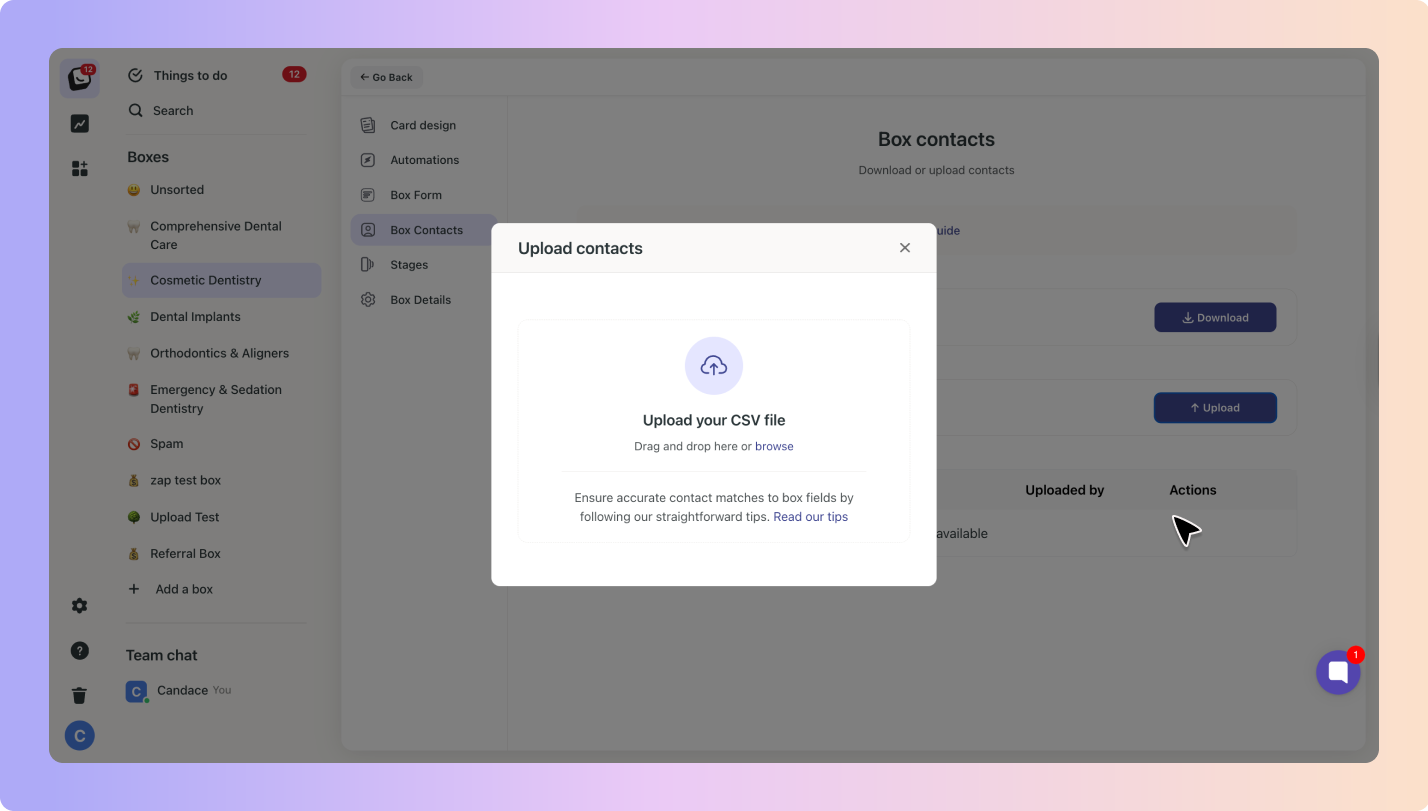
You can upload up to 10,000 leads at once into Boxly using a CSV file. To make sure everything works, your file must follow these rules:
Your file must include:
Phone number or Email address (at least one is required).
Stage – the stage you want the lead to go into (doesn’t need to match Boxly exactly, but the column must exist).
Add First Name and Last Name (or just Full Name if you prefer).
Email and phone numbers are both supported.
Any extra custom fields you’ve created in Boxly (e.g. “Treatment Type”) can be mapped too, as long as they are “Text Field”.
If all leads go into one box, write the box name as the name of the Sheet
If you want leads to go into different boxes, you must:
Split the leads into separate files (one file per box).
Include the Stage column in each file.
In the Map your fields step, select Location from the Boxly fields dropdown for the column that contains location data.
This tells Boxly which imported field should be used as the lead’s location.
Any values in that column can then be matched to your existing Boxly Locations.
Leads will be assigned to the correct location automatically during the import.
Any other column you add can be added as a note in Boxly.
Example: if you add a column called Referred By with the value Google Ads, it will show as “Referred By: Google Ads”.
✅ Each row in your file = one lead
✅ You can upload up to 10,000 leads at a time
We cannot split your file into separate boxes.

We cannot map custom fields unless they are text-based fields in Boxly.
We cannot upload leads without a phone number or email.
We cannot upload leads without a Stage column, even if the stage names don’t match.
Boxly is here to help you work smarter, not harder, let’s keep streamlining your lead management together!
Contact us at [email protected] if you need any assistance!