Send HTML Email Templates in Automations
You can now send beautifully designed HTML email templates as part of your Automations.
This feature is available only for accounts on the Marketing Suite.
Adding HTML email templates allows you to deliver branded, styled communication as part of your workflows. This ensures:
Consistent look and feel across all communications
Faster setup by reusing saved templates
Better engagement compared to plain-text messages
You can add an HTML email template in just a few steps:
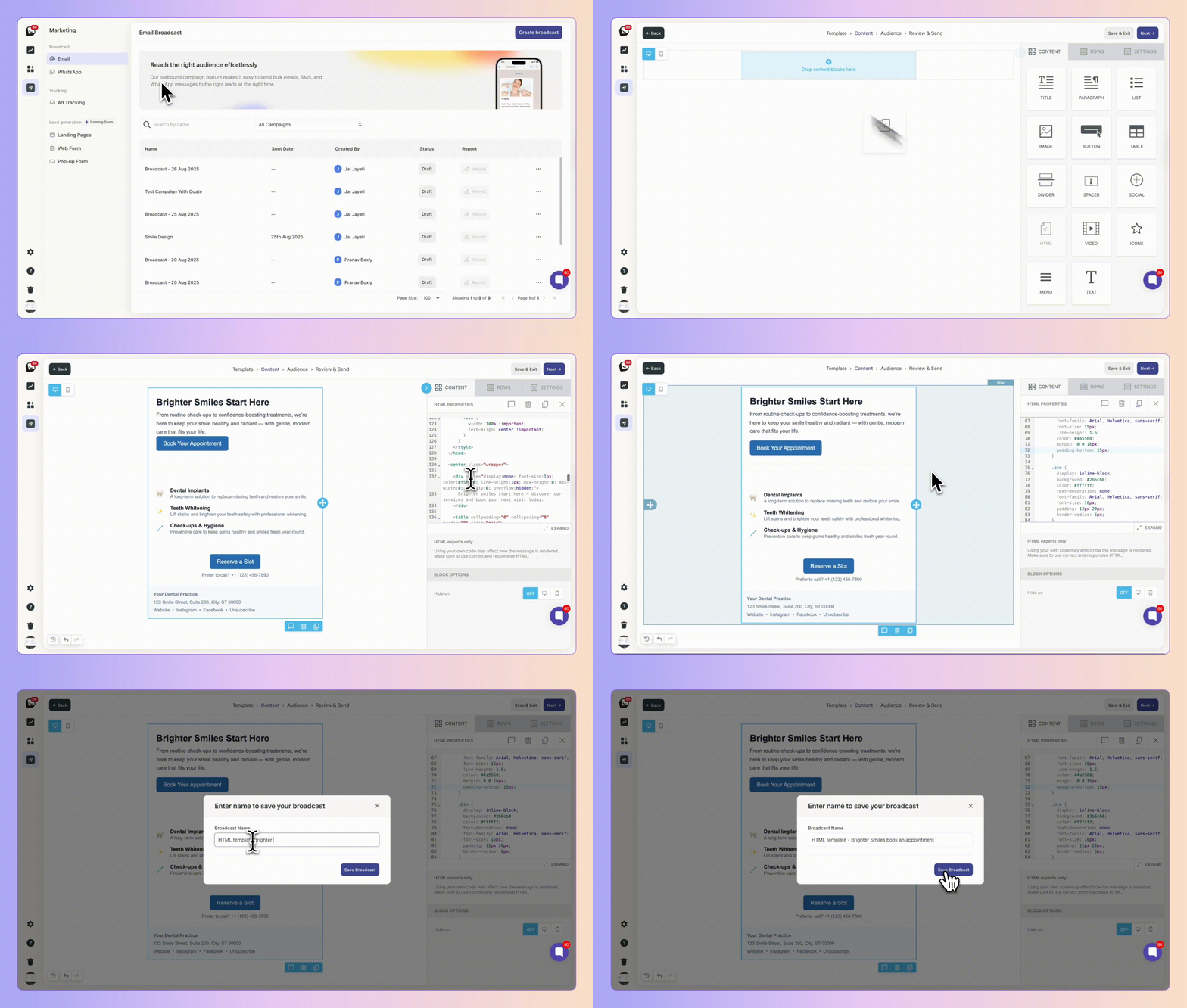
Go to Broadcasts in the Marketing Suite
Create your HTML email and save it as a Template
Give it any name you like for easy reference
Go to any Box → Box Setup → Automations
Click the ➕ button to add a new step (yes, you can also insert it in the middle of an existing flow)
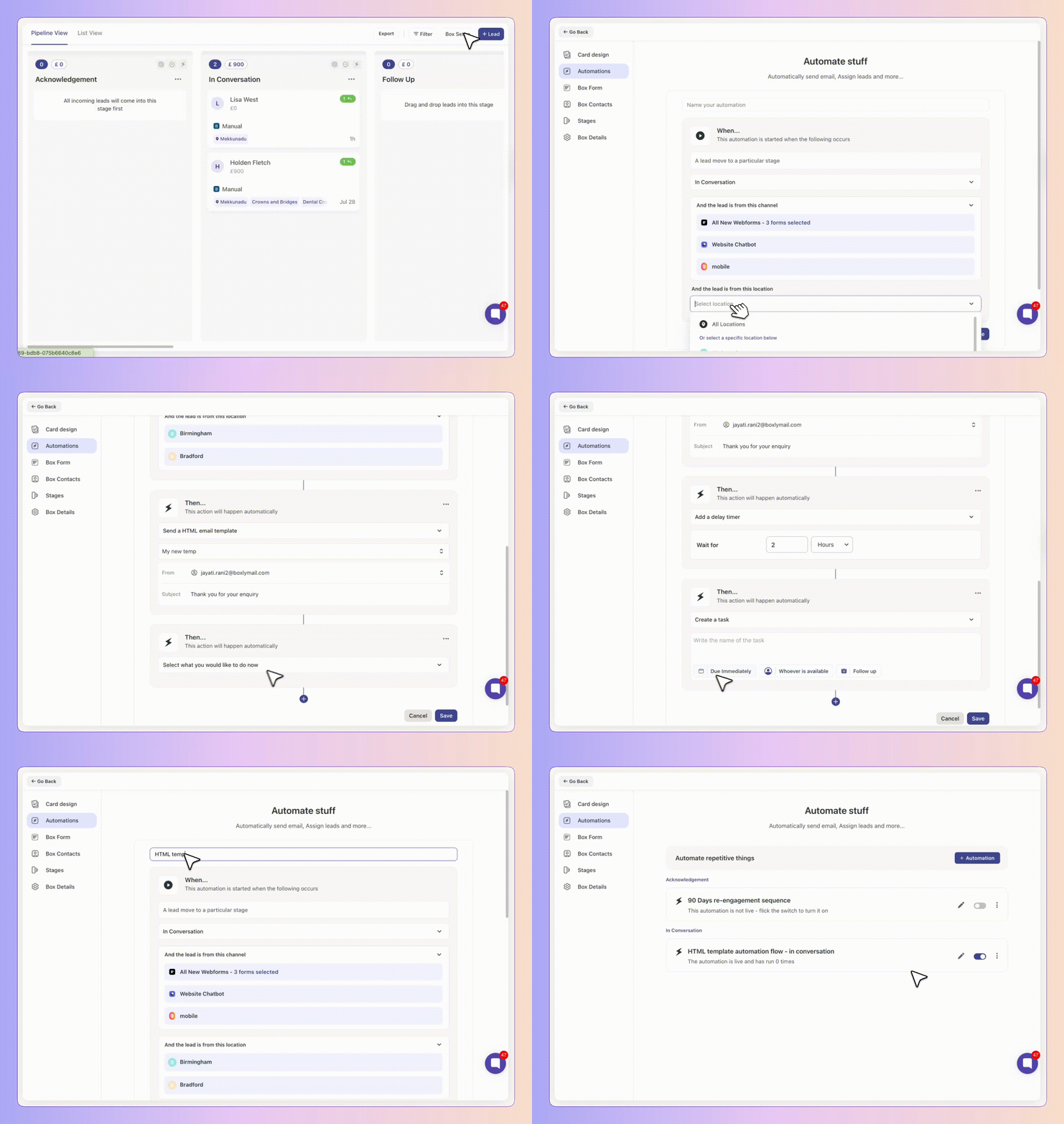
From the action list, choose Send HTML Template
Use the Search HTML Template option to browse templates you’ve saved
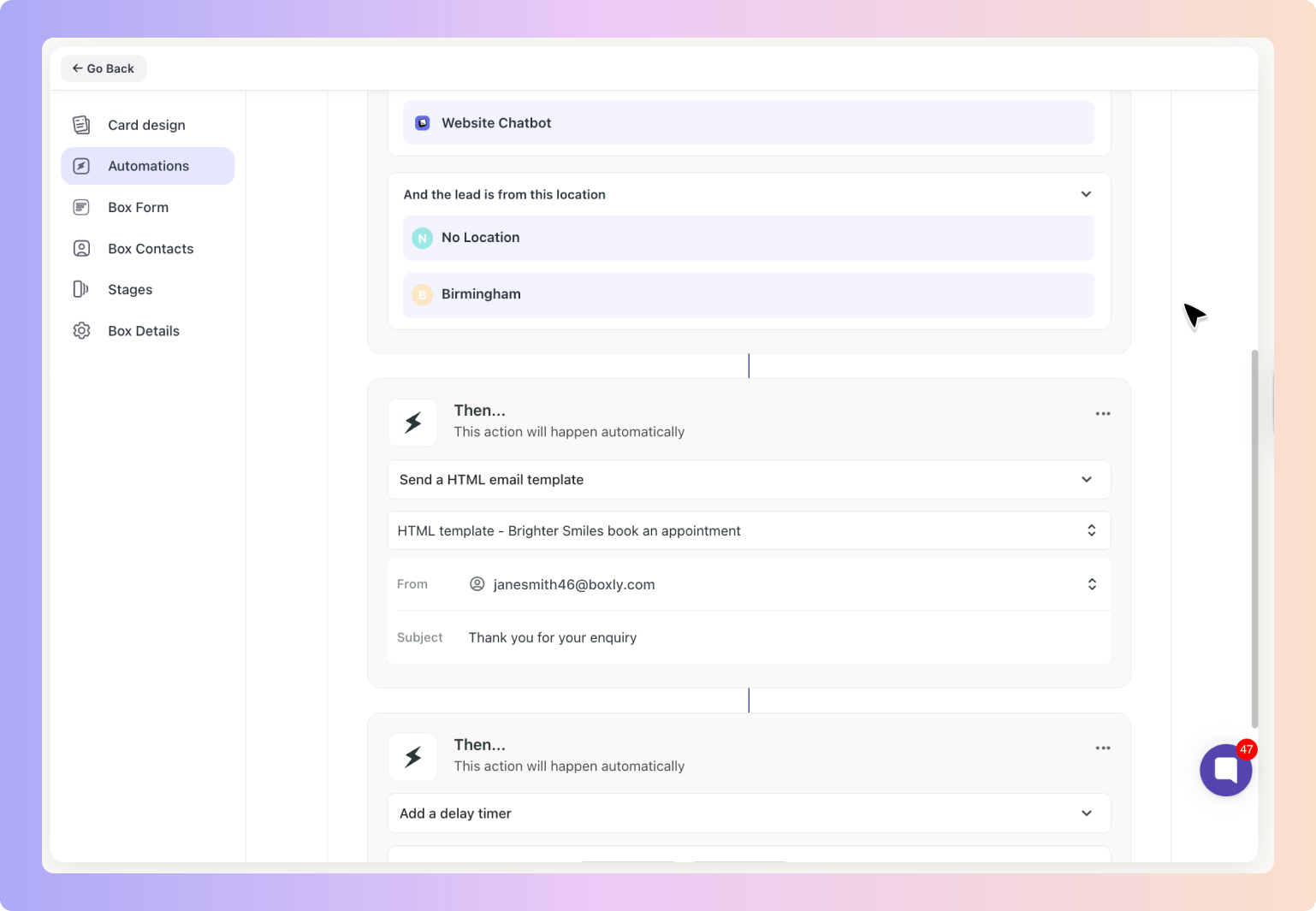
✅ Click the 👁 eye icon to preview the email content before selecting
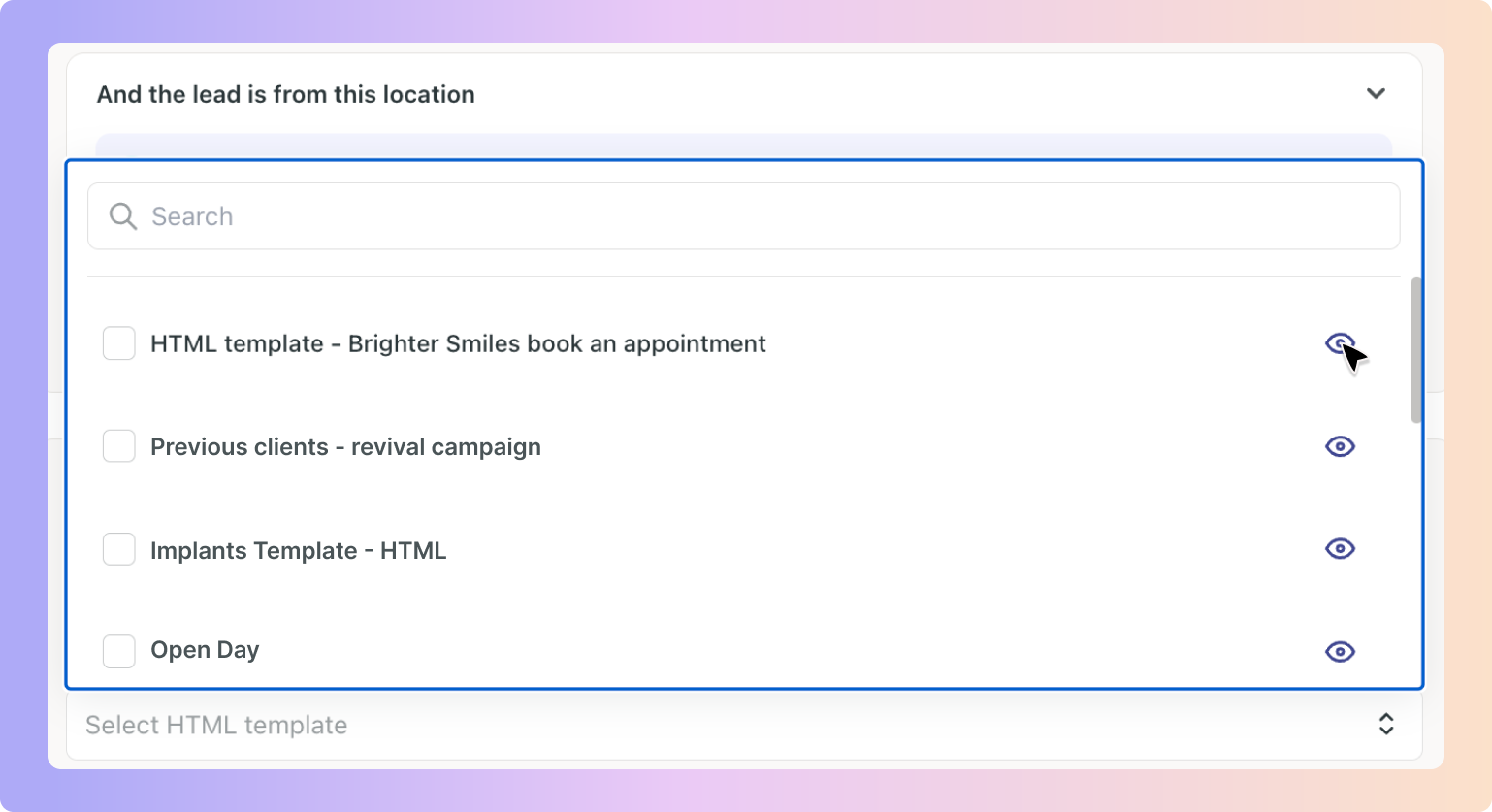
✅ From the same preview screen, you can switch between different templates to compare
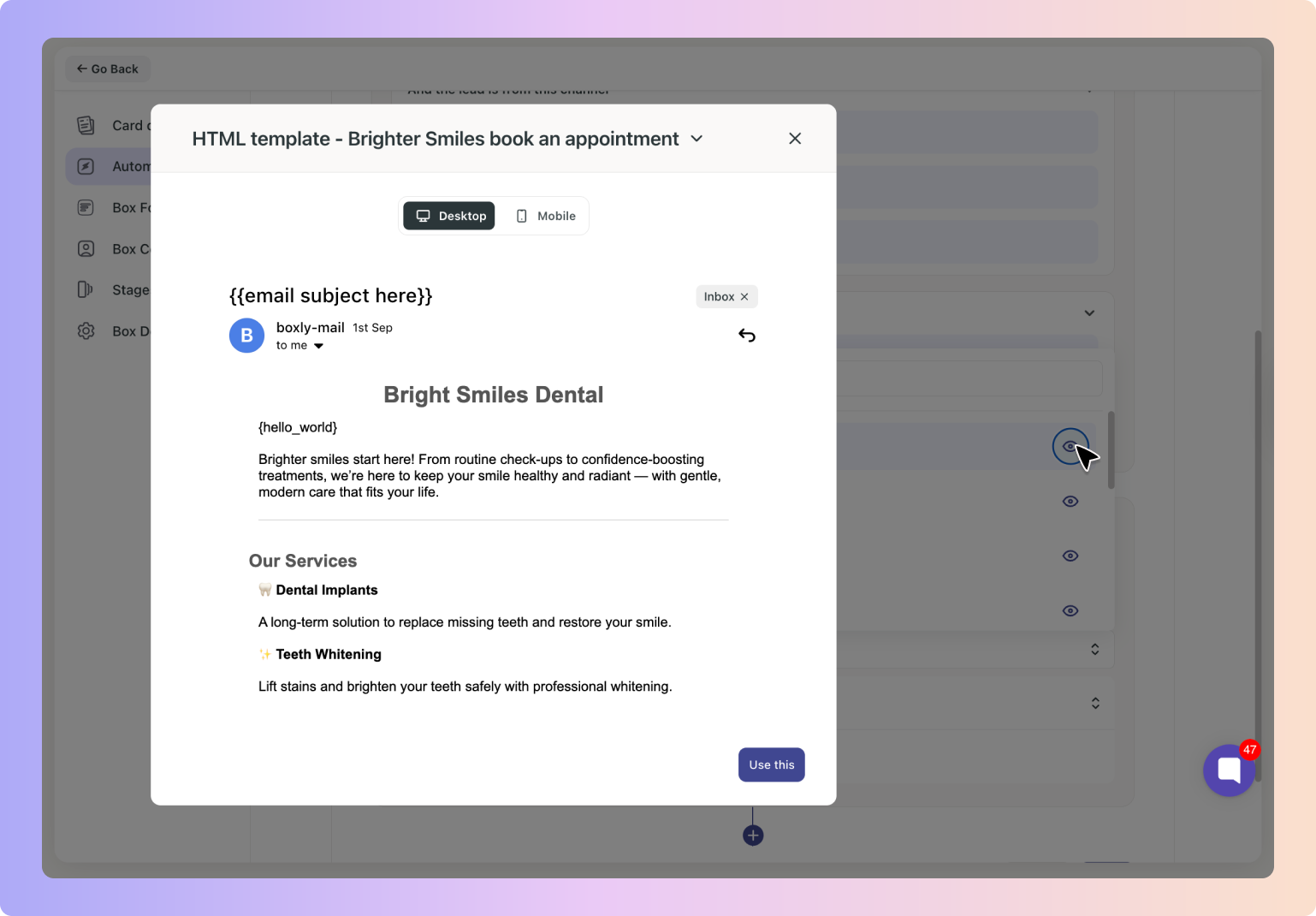
✅ You can also select the different template from the dropdown
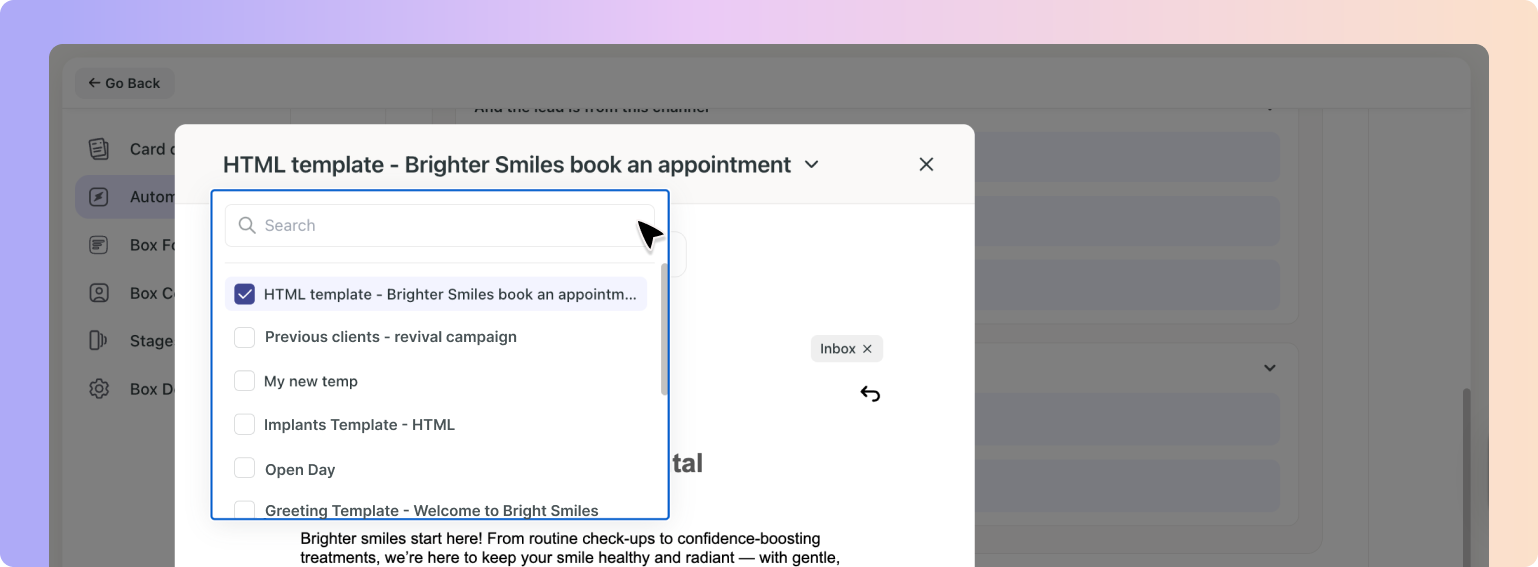
✅ Once you’ve found the right one, click Use this → Save
✅ By combining HTML templates with Automations, you can send polished, on-brand emails exactly when they matter without rebuilding them each time.