
This month, we’ve rolled out faster and more insightful Reports, improved Box Automations with business-hour timing, made Notes more flexible with images and attachments when adding manual leads, and added an easy Leads Without Tasks filter to help you stay perfectly on top of your pipeline.
This Reporting update includes updated Reporting Refresh Times, Clickable Milestone Reports, New Activity View, & Reply Time and Team Activity Improvements.
Let’s dive into what’s new! 👇
Your reports have been upgraded with faster refresh times, clickable milestones, and a new Activity View for deeper insight.
We’ve updated how often reports refresh so data stays up-to-date and the system runs faster.
Refresh every 10 minutes:
Lead Dashboard Report
Leads by Channel / Source / Treatment / Location / Referral Reports
Lost Leads Report
Practitioner Conversion Reports
Refresh every 1 hour:
Leads by Milestone
Leads by Box
Refresh every 4 hours:
Team Sales / Activity Reports
Reply Time Report
🧠 Example: If a new lead comes in or moves stage, the Lead Dashboard will update within 10 minutes. Milestone or team reports will update every 4 hours.
 Go to Boxly Reports Overview
You can now click any milestone bar to see exactly where those leads are today; their current box, stage, assignee, and vendor.
Perfect for answering “Where are these leads now?” in a single click.
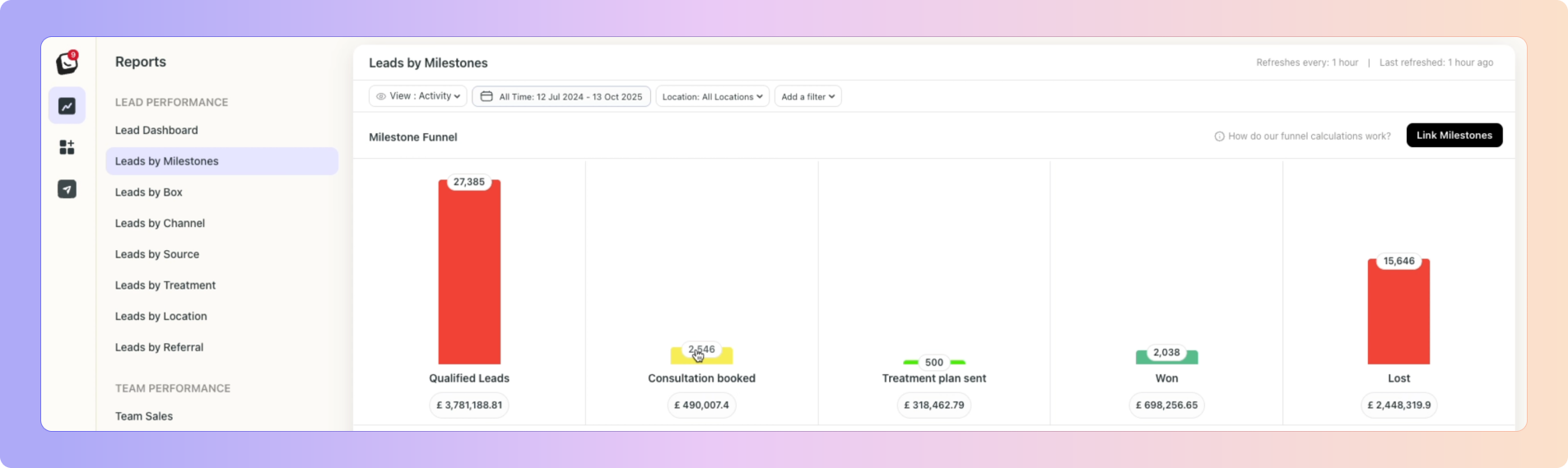 Go to the Leads by Milestones Report
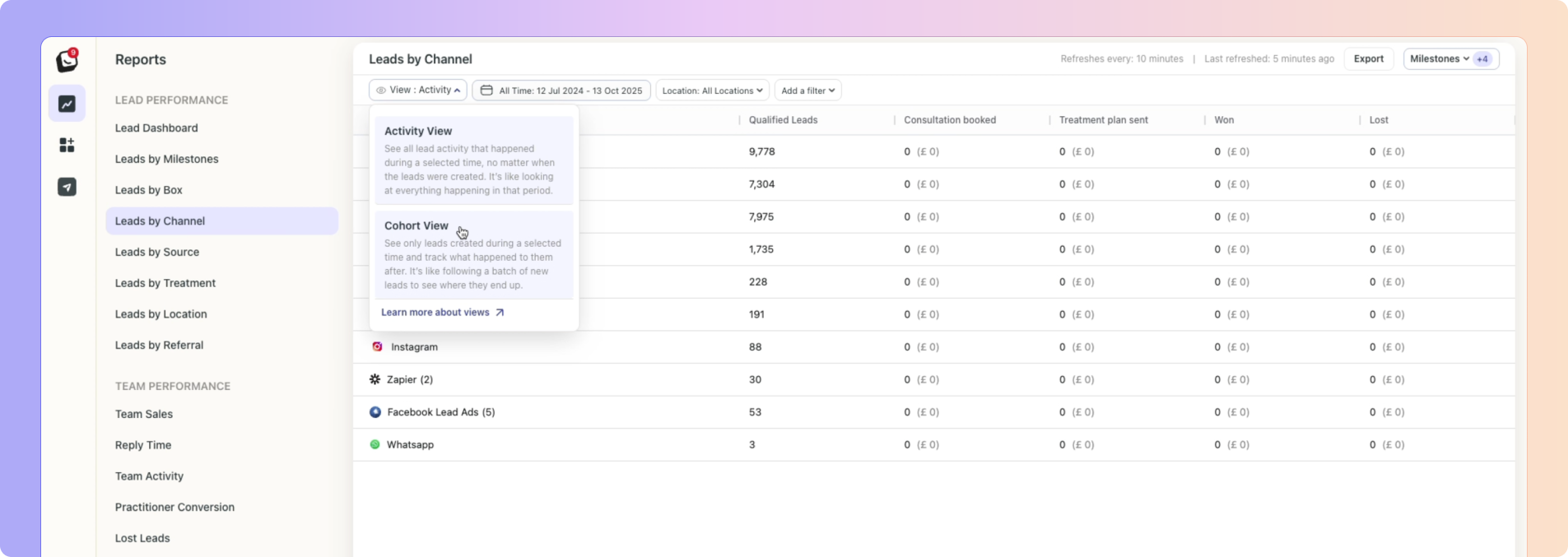
In addition to the traditional Cohort View, we’ve added Activity View to show all actions that happened in the selected time period, regardless of when the lead was created.
This means if a lead came in last month but booked a consultation this week, you’ll still see it in your report.
Available in:
Leads by Channel / Source / Treatment / Location Reports
Team Sales / Activity Reports
Practitioner Conversion Report
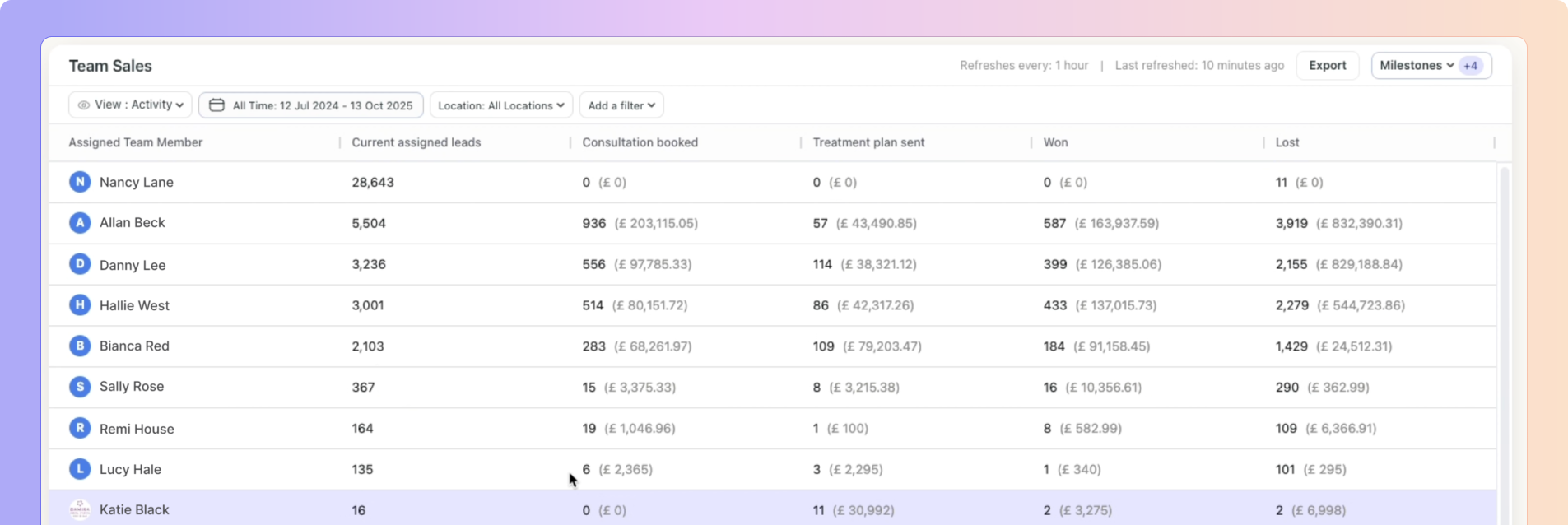
Team Sales and Activity Reports now show who actually did the work, not just who owns the lead.
Each milestone now tracks the correct user, perfect for accurate performance and commission tracking.
You can now filter leads with or without tasks in both Pipeline and List views.
Quickly spot leads missing follow-up actions and make sure no one slips through the cracks.

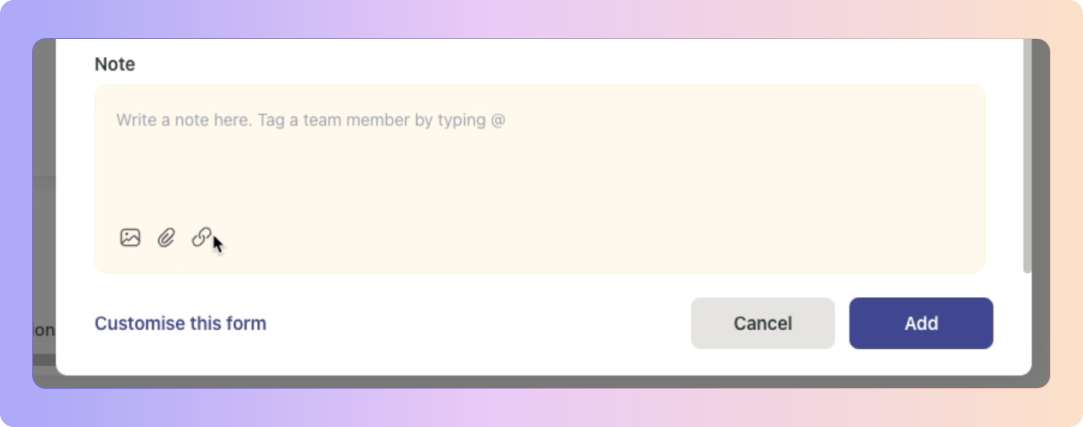
When manually adding a lead, you can now include: Images, Links, & Attachments when adding a note.
Keep everything about a patient in one place, visual references, extra files, and important details.

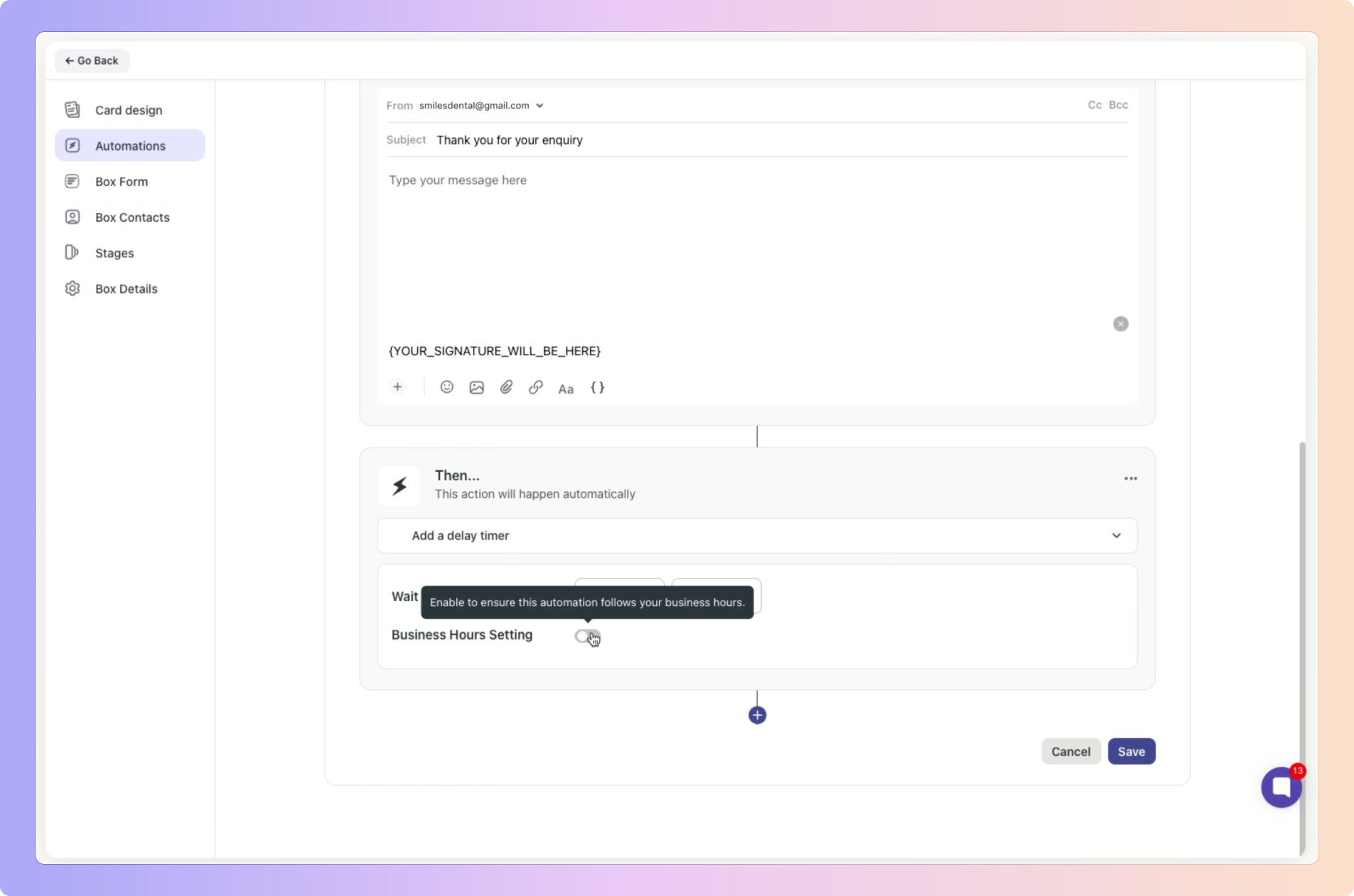
When you set a delay timer, messages and tasks will only trigger during business hours, avoiding late-night messages or tasks firing when the clinic is closed.
Perfect for smoother patient communication and well-timed follow-ups.
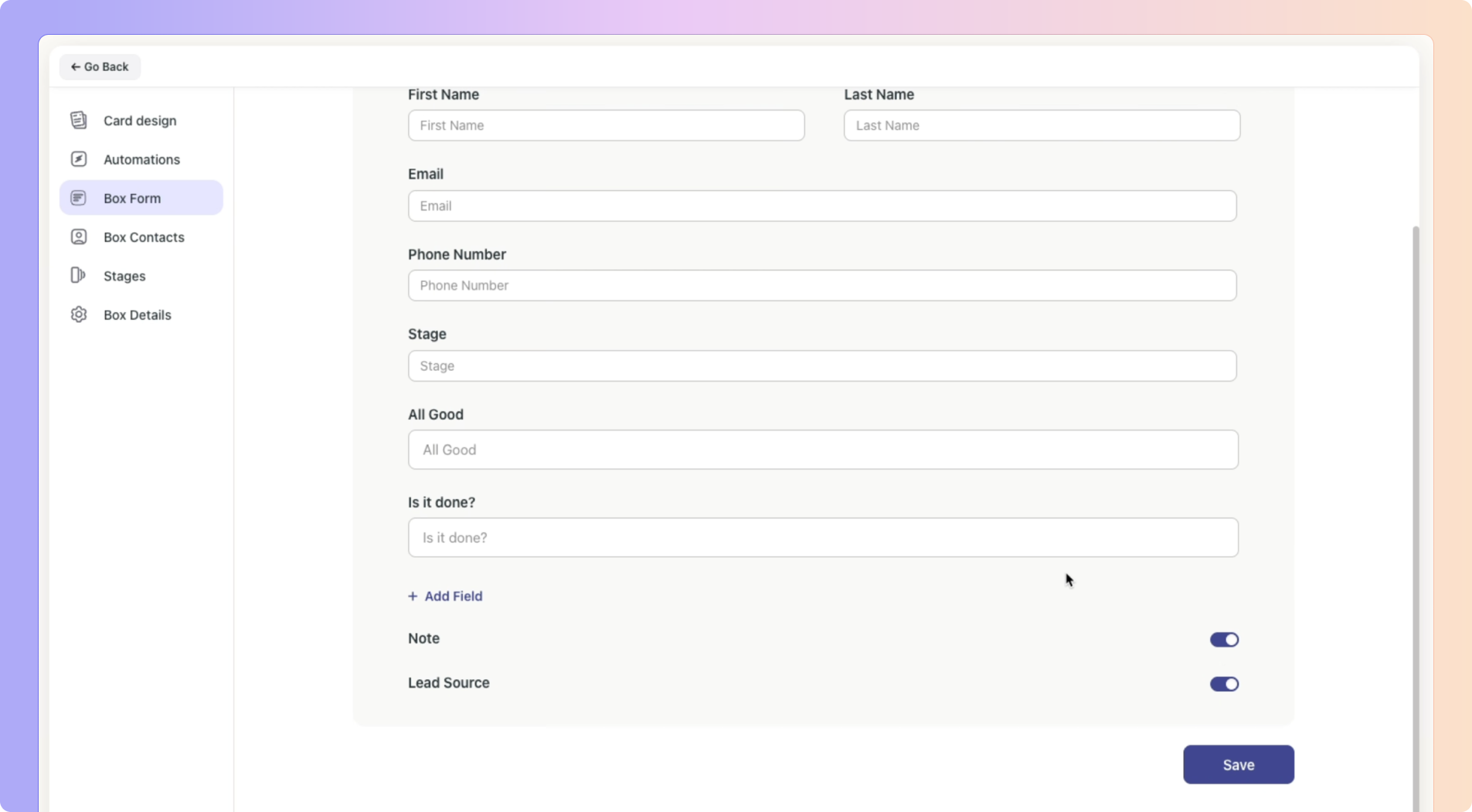
You can now Toggle on/off the Lead Source in your Box Forms.
If you toggle the Lead Source off and click “Save”, the form will no longer have a Lead Source field to fill in.
Boxly is here to help you work smarter, not harder, let’s keep streamlining your lead management together!
Contact us at [email protected] if you need any assistance!